01
Battery & charging
Live current, charge sessions, target alarms, wear estimates, charging rate, and confidence explanations.
Matrix Specs turns Android hardware signals into clear diagnostics and shows the source and confidence behind every reading.
Search a model to see whether an evidence-backed marketed profile has been published. The website cannot scan your phone.
Fast summaries when you need an answer, deeper evidence when you want to investigate.
Live current, charge sessions, target alarms, wear estimates, charging rate, and confidence explanations.
CPU, GPU, memory, sustained tests, Android thermal state, and optional root/Shizuku thermal zones.
Display, cameras, sensors, buttons, audio, biometrics, connectivity, and guided calibration workflows.
Exact Android identities, regional variants, reviewed manufacturer evidence, comparison, and corrections.
Redacted PDF, JSON, CSV, HTML, and developer bundles with source, confidence, and schema metadata.
Adaptive widgets and floating overlays for battery, temperature, CPU, RAM, FPS, and network activity.
Real screens from the Android app — every reading carries its source and confidence.
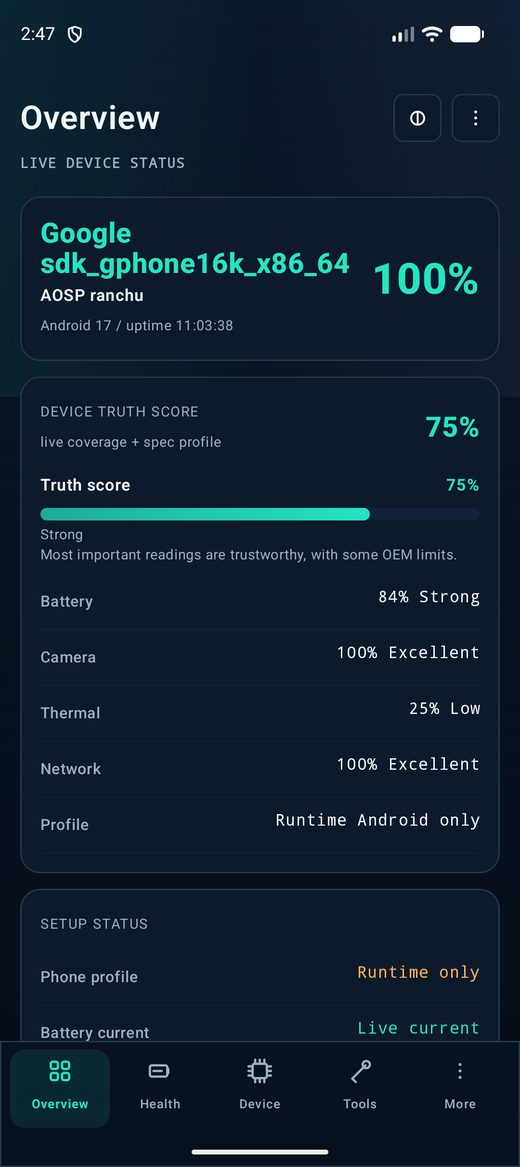
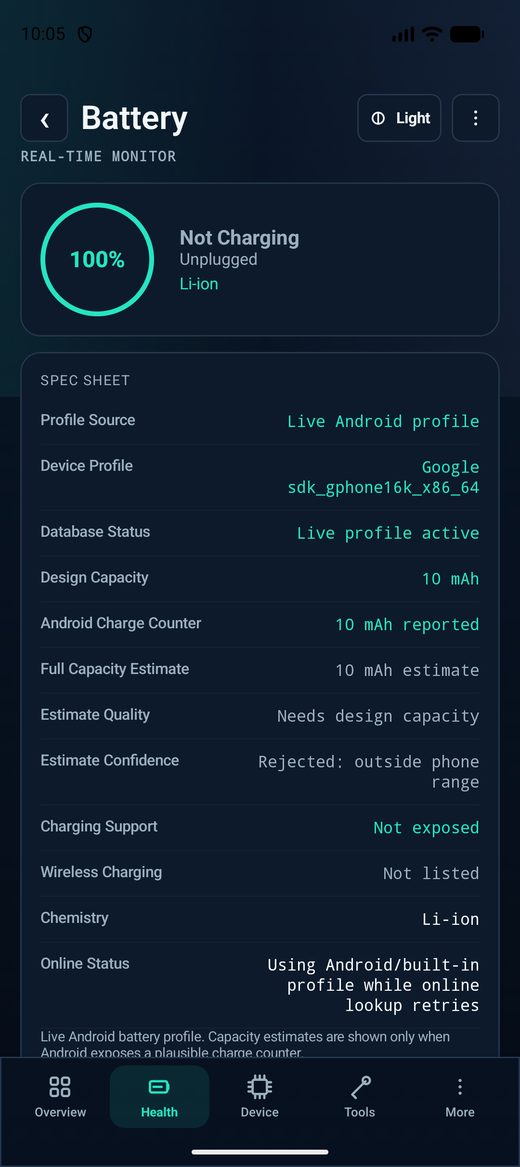
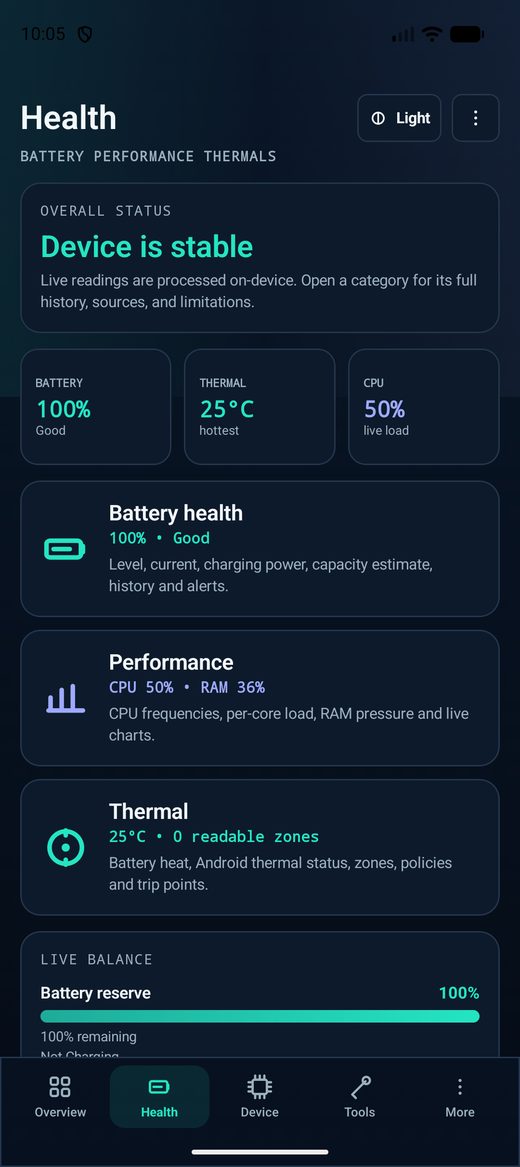
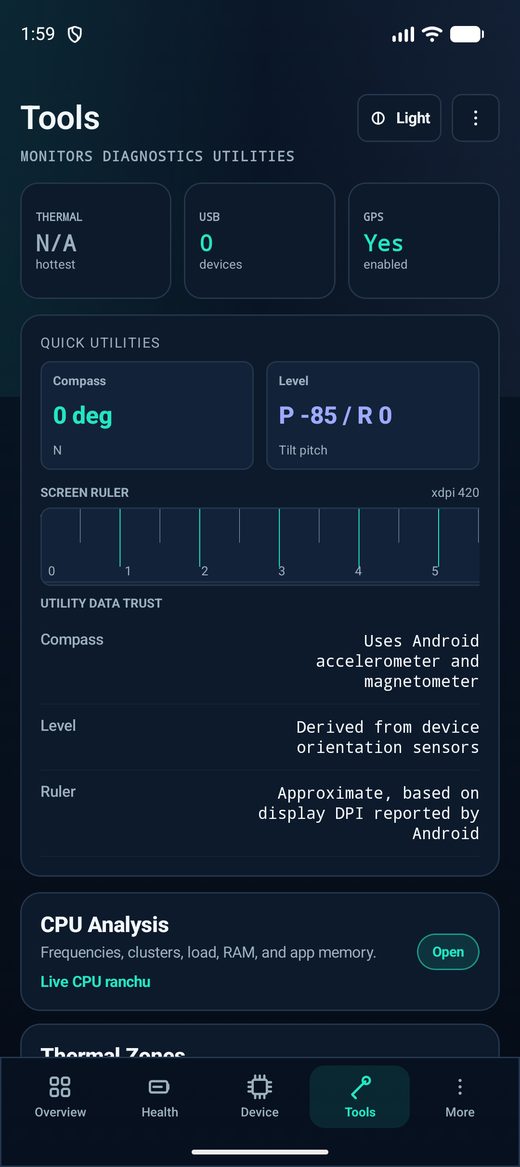
Screens captured from a development build; values depend on your device and Android version.
Android and device makers hide some hardware fields. Matrix Specs distinguishes what is measured now from what was reviewed in a catalog, corrected by a user, estimated, privileged, or unsupported.
Explore the other Android products currently being developed alongside Matrix Specs.
A deeply customizable Android launcher with multiple interface engines, gestures, widgets, themes, RTL support, and an optional cyber dashboard.
An on-device utility suite for storage cleanup, app management, duplicate detection, privacy auditing, and system maintenance.
A private, expressive Android keyboard with English, Arabic, and 35+ downloadable languages, themes, emoji and GIF sharing, an encrypted clipboard, and opt-in AI writing.
Corrections and anonymous benchmark comparisons are optional, previewed before upload, and stripped of sensitive identifiers.